Good mylar bag artwork starts on the correct dieline, keeps text clear of seals and zippers, plans white ink under color on foil, and gets checked on a proof before printing. Custom Mylar Bags Co. places your logo on a free mockup within 24 hours, so you can catch layout problems on your exact bag style before you pay anything.
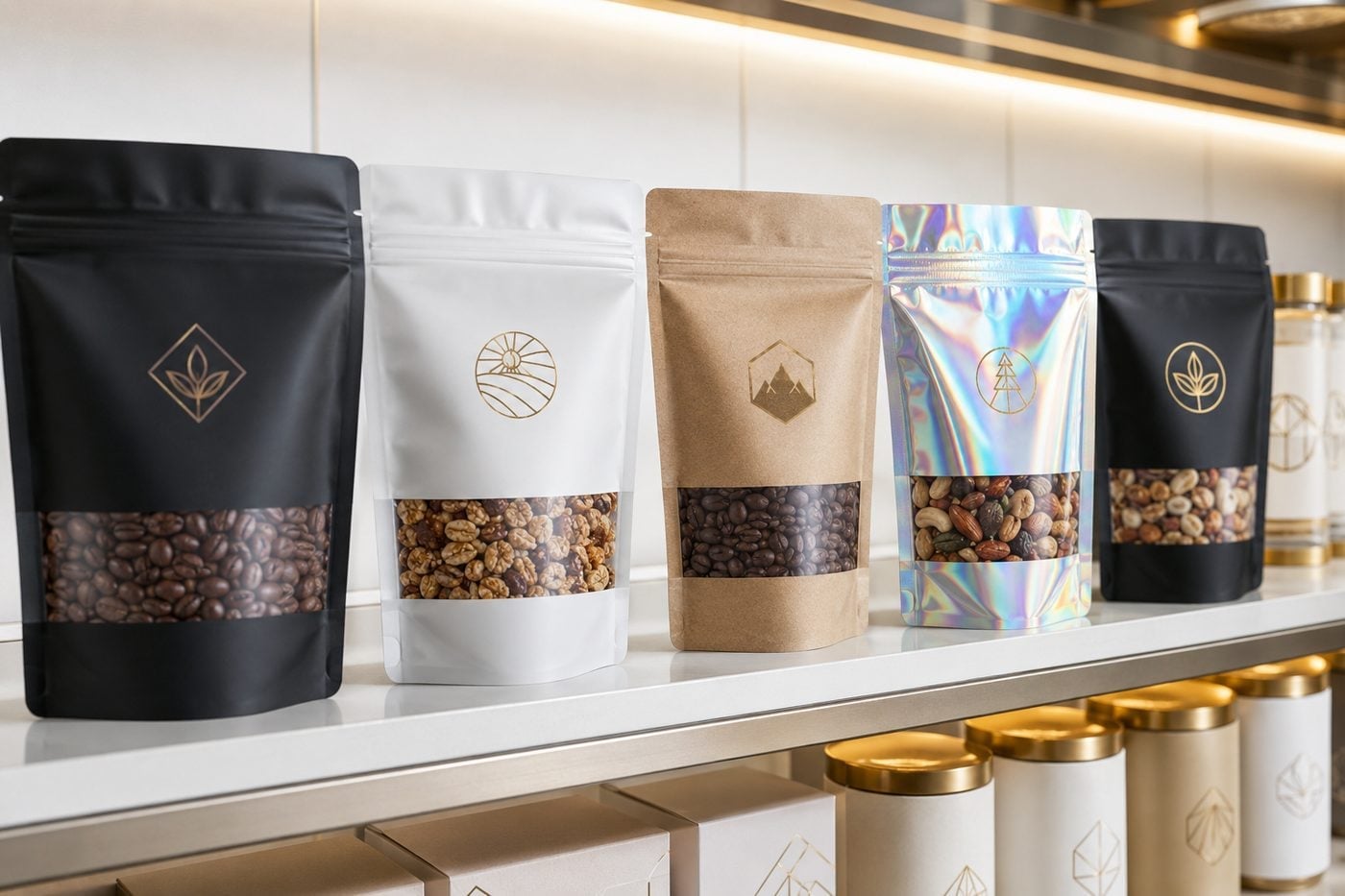
- Artwork for mylar bags is built on a dieline that shows front, back, gussets, seals and zipper zones.
- Metallic and clear films need a planned white ink layer, or colors print translucent.
- Custom Mylar Bags Co. sends a free mockup within 24 hours with unlimited free revisions.
- Minimum order is 12 bags, and standard turnaround is about 2 weeks after proof approval.
- You pay nothing until you approve the design.
What does a mylar bag dieline show, and why does my artwork need one?
A mylar bag dieline is the flat template of your pouch: the front panel, back panel, bottom gusset or side gussets, the heat-seal borders, the zipper line, the tear notch and any hang hole. Artwork placed without a dieline almost always lands a logo on a seal or a headline across the zipper track.
Each format in the Custom Mylar Bags Co. lineup has its own geometry. Stand-up pouches fold a printable bottom gusset under the bag, so anything you put there is only seen when the pouch is tipped over. Flat mylar bags have no gusset, which gives you the cleanest two-panel layout. Gusseted foil bags add side panels that wrap around the corners, so a design can continue from the front onto the side.
When you request a quote, the bag style and size you pick decide which dieline the art team uses for your mockup. If you already have a layout built for a different bag, send it anyway; the team rebuilds it on the right template rather than stretching it.
Which artwork files work best for printed mylar bags?
Vector files are the strongest starting point for mylar bags because logos, line art and type stay razor sharp at any bag size. A logo saved from a design program as a vector PDF, AI or EPS file is ideal. High-resolution raster images are fine for photography, illustrations and textures, as long as they were created large rather than enlarged from a small web graphic.
A few habits make the file much easier to print:
- Outline or embed fonts so your typeface does not swap to a default on another computer.
- Keep spot colors named if your brand uses specific ink colors, so the printer knows which shades must match.
- Separate the logo from the background in its own layer or file, so it can be repositioned on the dieline.
- Send the original, not a screenshot, since screenshots lose resolution and color data.
If all you have is a logo from your website or a photo of an existing label, Custom Mylar Bags Co. can still start the mockup and tell you whether a cleaner version is needed before production.
How does white ink change artwork on foil and holographic mylar bags?
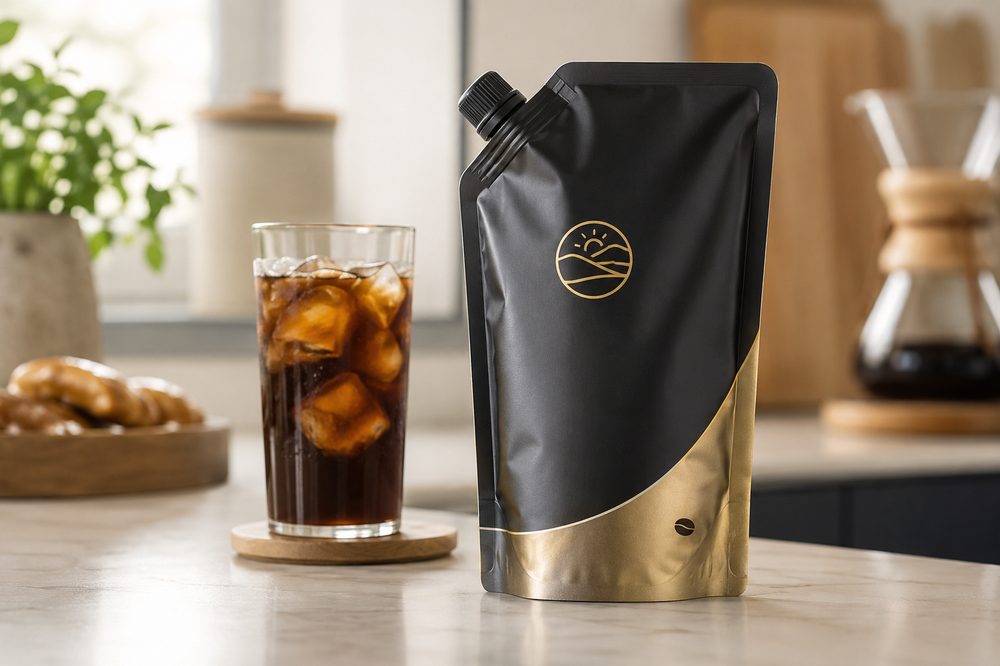
On foil, metallic and holographic mylar bags, printing inks are partly transparent, so colors printed straight onto the film pick up the shine underneath. A white ink layer printed first acts like a primer: wherever white sits under the color, the color looks solid and true; wherever white is left out, the color takes on a metallic tint.
That choice is a design tool, not just a technical step. Many brands leave white out of the logo on purpose so the mark glows with the metallic film, then put white under the ingredient panel so small text stays readable. On holographic mylar bags, leaving white out of an area lets the rainbow effect show through as part of the design.
| Area of the design | With white underneath | Without white underneath |
|---|---|---|
| Brand colors | Solid, closest to your brand colors | Tinted by the foil or holographic film |
| Small text and barcodes | Crisp and easy to scan | Can look faint or shimmer |
| Logo accents | Flat, printed look | Metallic, foil-stamped look |
Your mockup shows which areas carry white, and you can change that with as many free revisions as you need.
Where should text, logos and barcodes go on a mylar pouch?
The front panel of a mylar pouch carries the brand: logo, product name and the single line that tells a shopper what is inside. Keep those elements in the upper and middle part of the panel, below the zipper and above any bottom gusset, so they stay visible on a shelf or in a hand.
The back panel is where the working information lives: ingredients, directions, net contents, storage notes, contact details and the barcode. Place the barcode on a flat area away from the side seals and gusset folds, on a white or very light background, so scanners read it on the first try.
- Keep important text away from the heat-seal borders, where the film is crimped.
- Leave the zipper line and tear notch area free of fine text.
- Avoid running small type across a gusset fold, where the bag bends.
- Put a light background behind long copy on foil or clear film.
For child-resistant mylar bags, leave room on the front or back for any required warnings your product category needs, and make sure they are clear of the closure.
How do I design for a clear window on a mylar bag?
A clear window on a mylar bag is simply an area of the design with no ink, so the film stays see-through and the product shows. Mark the window shape on its own layer in your file, or describe it in your quote request, and the art team builds it into the mockup on your dieline.
Windows work best when they frame the product rather than fight it. Place the window where the contents naturally settle, which on a stand-up pouch is usually the lower half of the front panel. Keep text from running across the window edge, since the product behind it changes the background color from bag to bag.
Remember that the back of a windowed bag usually shows through too. If the back panel is clear in the same area, your back-panel copy will be visible through the front window, so the mockup should show both sides together. Custom Mylar Bags Co. reviews this on the proof so nothing surprising shows through once the bags are filled.
What artwork mistakes hold up a first mylar bag order?
Most delays on a first mylar bag order come from a handful of predictable artwork issues, and every one of them is easiest to fix at the mockup stage, before anything is printed.
- Art built for the wrong bag. A design made for a flat bag will not fit a stand-up pouch without rework. Confirm the style first.
- Low-resolution logos. A small web graphic looks soft once it is printed across a full panel.
- Text on seals and zippers. Copy placed in these zones gets crimped or hidden.
- No plan for white ink. Colors on foil turn metallic when you expected them flat.
- Thin lines and tiny type. Hairlines and very small reversed text can fill in on film.
- Unapproved copy changes. Changing ingredients or claims after approval restarts the proof.
Read every word of the mockup out loud, check spelling of the product name, scan the barcode with a phone app, and look at the mockup at actual size on screen. Then approve only when the front, back and any gussets all look right.
How does the mylar bag proof and approval process work?
The mylar bag proof is the step that turns your files into a print-ready layout you can sign off on. You send your logo or finished design through the custom quote form with your bag style, size and quantity. Custom Mylar Bags Co. returns a free digital mockup within 24 hours showing your artwork on the exact dieline.
- Review the mockup for placement, colors, white ink areas, windows and copy.
- Request changes; revisions are unlimited and free.
- Approve the final proof when every panel is right.
- Pay only after you approve the design.
- Production runs in about 2 weeks, with express shipping available when you need the bags sooner.
Orders start at 12 bags, which makes it practical to print a small first run, see the finished pouch with real product inside, and adjust the artwork before a larger order. The full sequence is laid out on the how it works page.
Frequently asked questions
Do I need to download a dieline before designing my mylar bags?
Mylar bags are designed on a dieline, but you do not need to find one yourself. Custom Mylar Bags Co. matches your chosen style and size to the right template and places your artwork on it for the free mockup. If you prefer to design directly on the template, ask for the dieline when you request your quote and the team will point you to the correct one.
Should my mylar bag logo be printed with or without white ink underneath?
Mylar bag logos look solid and true to your brand colors when white ink is printed underneath, and metallic when white is left out. On foil and holographic films, many brands leave white out of the logo for a shiny accent and keep white under small text for readability. The Custom Mylar Bags Co. mockup shows which areas carry white so you can decide.
Can a barcode be printed on a foil mylar bag and still scan?
A barcode on a foil mylar bag scans reliably when it is printed in dark ink on a white or very light background, usually created with a white ink block behind it. Place it on a flat part of the back panel, away from side seals and gusset folds. Test-scan the barcode on your mockup with a phone app before you approve the design.
How small can text be on a printed mylar pouch?
Printed mylar pouch text should stay large enough to read comfortably at arm's length, especially ingredient lists and directions. Very fine type and thin reversed text, meaning light letters on a dark background, can fill in on film. Custom Mylar Bags Co. flags text that looks too small on the mockup, and you can enlarge it with unlimited free revisions before anything prints.
What happens to artwork that crosses a gusset on a stand-up pouch?
Artwork crossing the gusset on a stand-up pouch folds under the bag, so it is mostly hidden when the pouch stands on a shelf. Backgrounds and patterns can run across the gusset without trouble, but logos and important copy belong on the front and back panels. The mockup from Custom Mylar Bags Co. shows the gusset area clearly so you can check placement.
Can I put a clear window on the back of a mylar bag as well as the front?
Mylar bags can have a clear window on the front, the back, or both, as long as the window areas are marked in the artwork. When both sides are clear in the same spot, shoppers can see straight through the bag, so back-panel copy may show through the front. Review both sides together on the mockup before approving the design.
Do mylar bag colors look different on screen than in print?
Mylar bag colors can shift between a screen and printed film, because monitors glow while film reflects light and metallic films add their own tint. Bright screen colors often print slightly deeper. Planning white ink under brand colors and sharing named spot colors in your file help keep the printed bag close to your expectations. A small first run of 12 bags is another easy check.
Can I use a photo of my product in my mylar bag design?
Mylar bag designs can include product photography, as long as the image is high resolution and sharp at the size it will print. Photos taken on a modern phone in good light usually work for the front panel, while images copied from websites tend to look soft. Custom Mylar Bags Co. reviews image quality on the mockup and lets you know if a better file is needed.
Should the zipper area of a mylar bag have any printing on it?
Mylar bag zipper areas can carry background color and patterns, but text and logos should sit below the zipper line. The zipper track adds thickness to the film and can distort or hide fine detail printed across it. Keeping the brand name and key copy clear of that band makes the front panel easier to read once the bag is filled and sealed.
What should I check on my mylar bag proof before approving it?
Mylar bag proofs deserve a careful final read: confirm the bag style and size, spelling of the product and brand names, ingredients and directions, barcode position, white ink areas, window shapes, and anything near seals or the zipper. Look at the front, back and gussets together. Custom Mylar Bags Co. only starts production after your approval, and you pay nothing until then.
Can one mylar bag design be reused across several bag sizes?
Mylar bag artwork can usually be adapted from one size to another, but each size needs its own layout on its own dieline rather than a simple scale-up. Proportions, gussets and seal positions change between sizes, so text and logos may need repositioning. Custom Mylar Bags Co. rebuilds the design for each size on the mockup so every version looks intentional.
Get a free mockup for your mylar bags
Send your logo or idea and the quantity you have in mind. Custom Mylar Bags Co. returns a free mockup within 24 hours, you approve the design before anything is produced, and standard turnaround is about two weeks with faster options available. Get a custom quote.